 Rolyio
 🌍 Discover over 60 product features. Learn more →
Rolyio  Google Workspace Marketplace
Sync your Google Workspace and Microsoft 365 contacts into a single shared dashboard - live, updated, and accessible to your whole team.
 from 140k users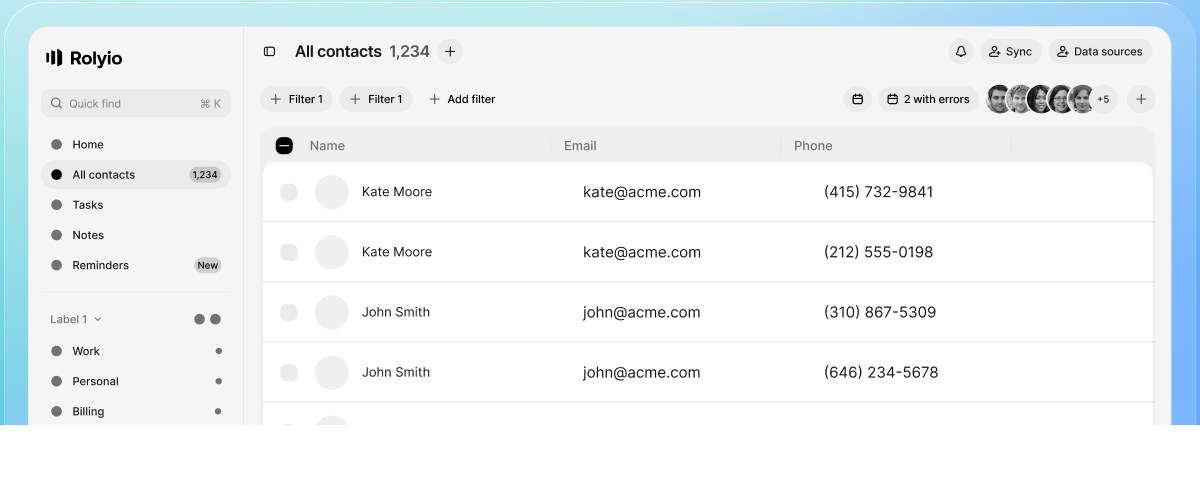
Trusted by the teams across every industry

No complicated setup. No learning curve. Just add your contacts and watch your team stay connected from day one.
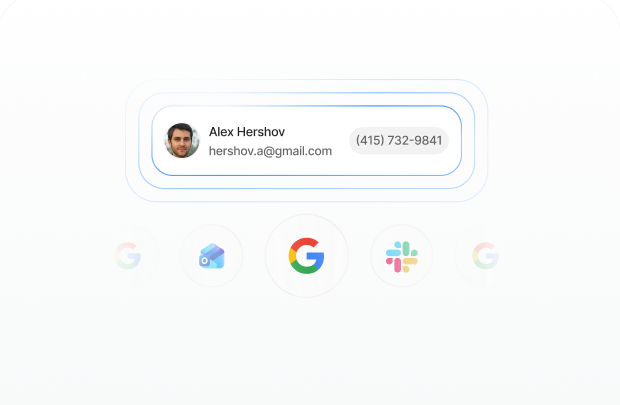
Add contacts once. Enter a contact once and it appears everywhere your team needs it instantly.
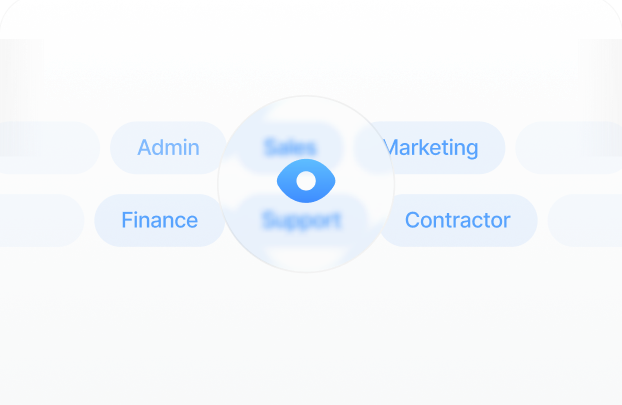
Set permissions your way. Control who sees what. Share broadly or keep things tight. Your call.
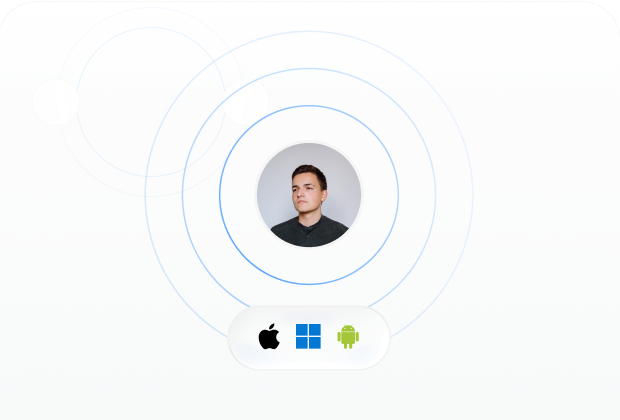
Everything stays current. Changes sync across all devices and platforms without you lifting a finger.
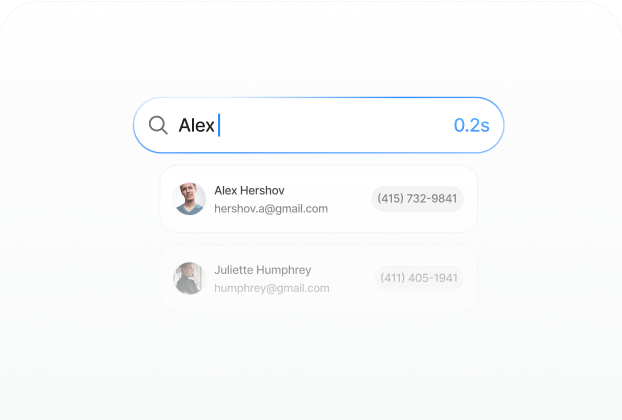
Search finds what matters. That means your team finds the right contact in seconds, not minutes.
A contact list means nothing if half your team can't see it. Real collaboration starts when everyone has access to the same information, updated in real time, no exceptions.

Your team stays aligned with one unified contact list that updates instantly across your organization.

Partners and clients outside your organization get the same access, the same speed, the same reliability.

Share Google Contacts with anyone using Gmail and stay synchronized without manual updates.

Connect your LDAP to Google Workspace and let your contact list maintain itself.

One source of truth eliminates confusion and keeps your team moving forward without friction.

Simple enough to use on day one, powerful enough to scale as your organization grows.
Rolyio plugs into your existing workflow without friction and a little bit more text for the second line.
Explore all
Native
Built in
Direct
Automatic
Seamless
Real time
Messaging
Connected
Enterprise
IntegratedNative
Built in
Start smart or go big. Scale whenever you need to.
Everything you need to know about Rolyio and how it works
Yes. Gmail users sync directly without any manual work on your end.
Connect your LDAP directory to Google Workspace and Rolyio keeps your contact list maintained automatically.
Every shared list has view, edit and reshare roles. You decide who sees what — share broadly or keep things tight.
Yes. Partners and clients outside your organization get the same access, speed and reliability — even across Google and Microsoft.
No. Contacts appear right in the tools your team already uses — Gmail, Outlook and your phone's address book.
Our support answers within one business day — write to support@rolyio.com any time.
Read the latest on contact management and team collaboration
Why duplicate contacts pile up in Google Contacts and Outlook, five practical ways to clean them out, and how Rolyio deduplicates shared contacts by email.
Exchange Web Services shuts down in October 2026. If your team's shared contacts live in Public Folders, here is who is affected and how to migrate.
How to share a live contact list between Google Workspace and Microsoft 365 users — a cross-ecosystem scenario no native tool or Google-only competitor covers.
Join teams that trust Rolyio to keep them connected
 Talk to Anna